¶ Provisioning with XML
All data presented in this document are fictitious and used for demonstration purposes only.
¶ How to register the FTP server?
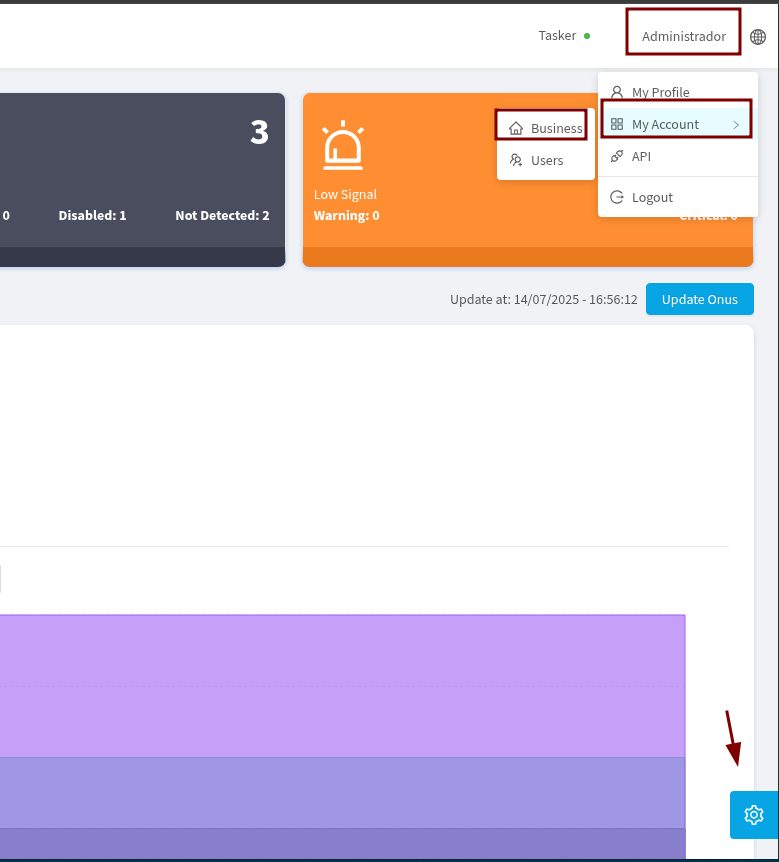
To register an FTP server, access My Account > Business through your profile or click on the gear icon located at the bottom right of the screen.
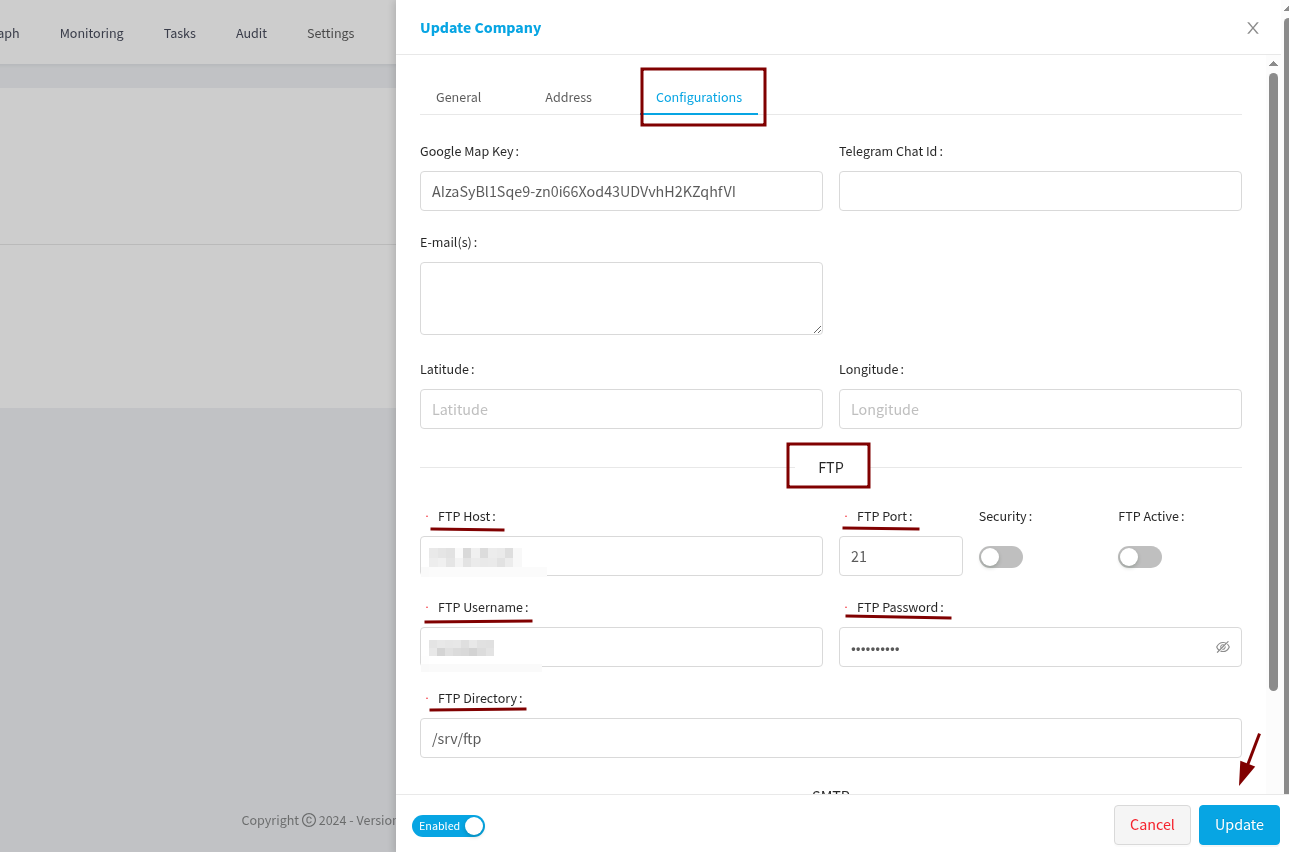
When accessing your Business Profile in Made4OLT, go to the Settings tab, where you will find the necessary fields for registering the FTP server.
¶ How to choose the XML file for ONU?
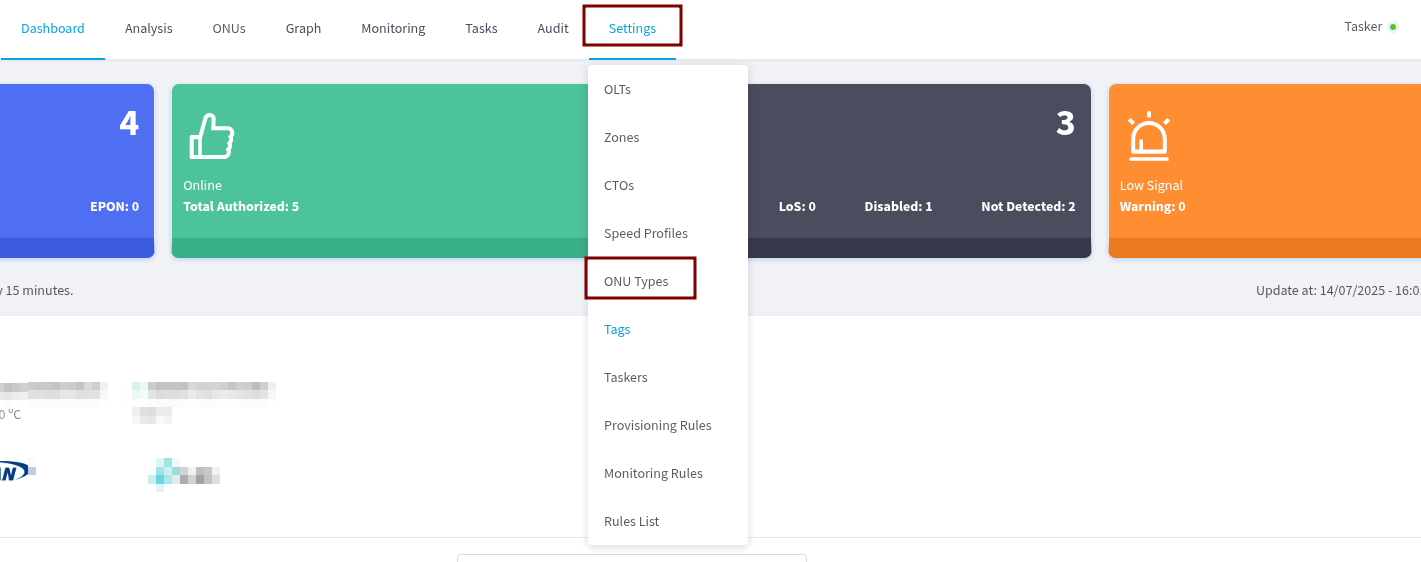
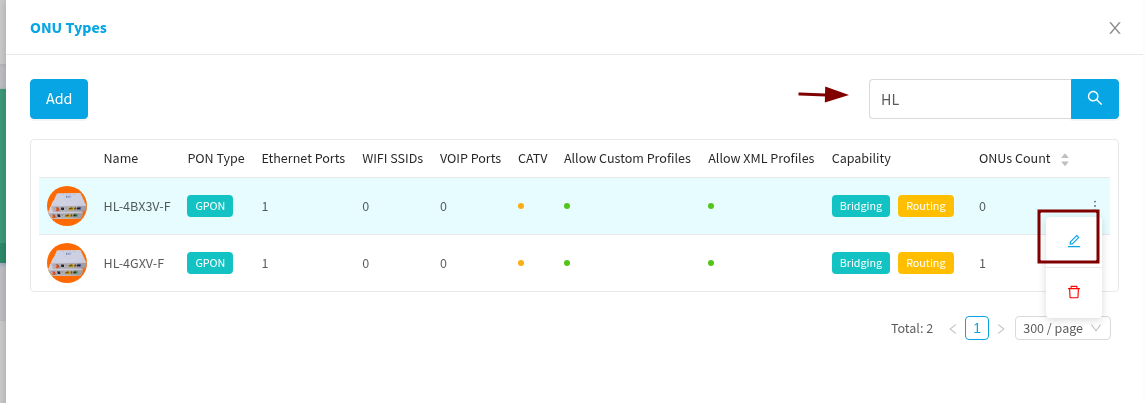
To select the XML file that will be used in ONU, go to Settings > Types of ONUs and search for the desired template.
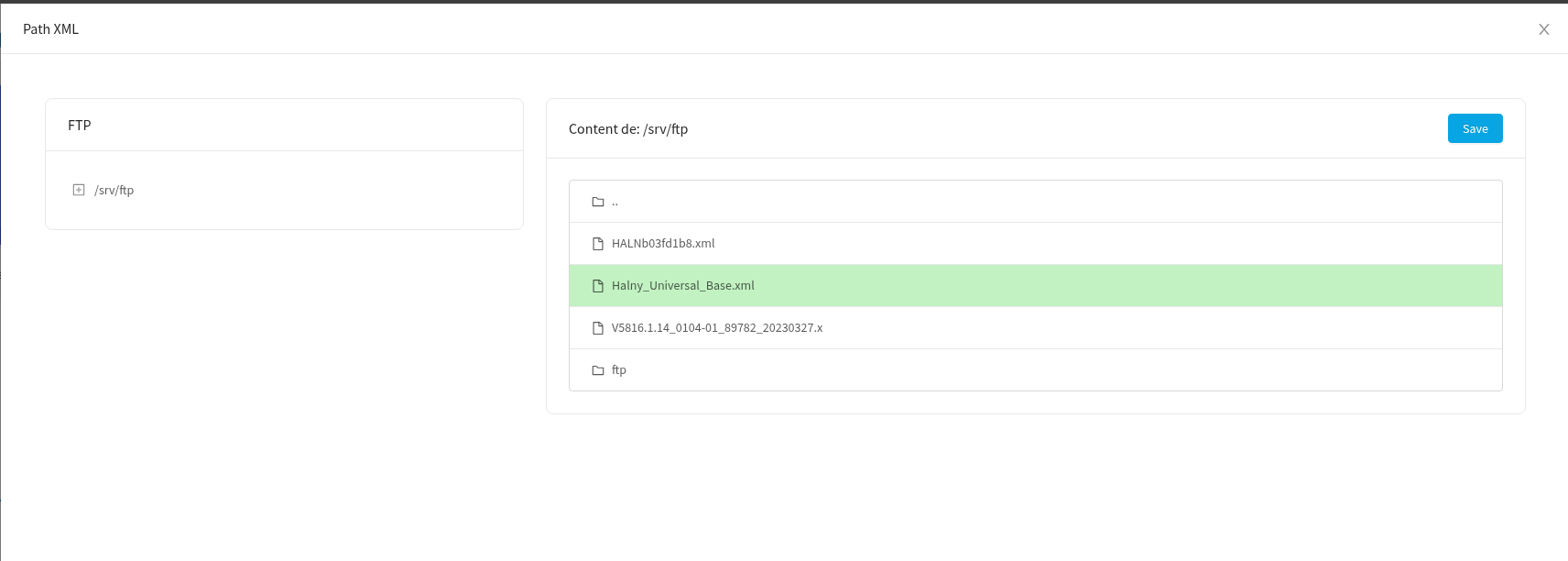
After locating the template, click Edit and select the FTP option to choose the file available on the registered server.
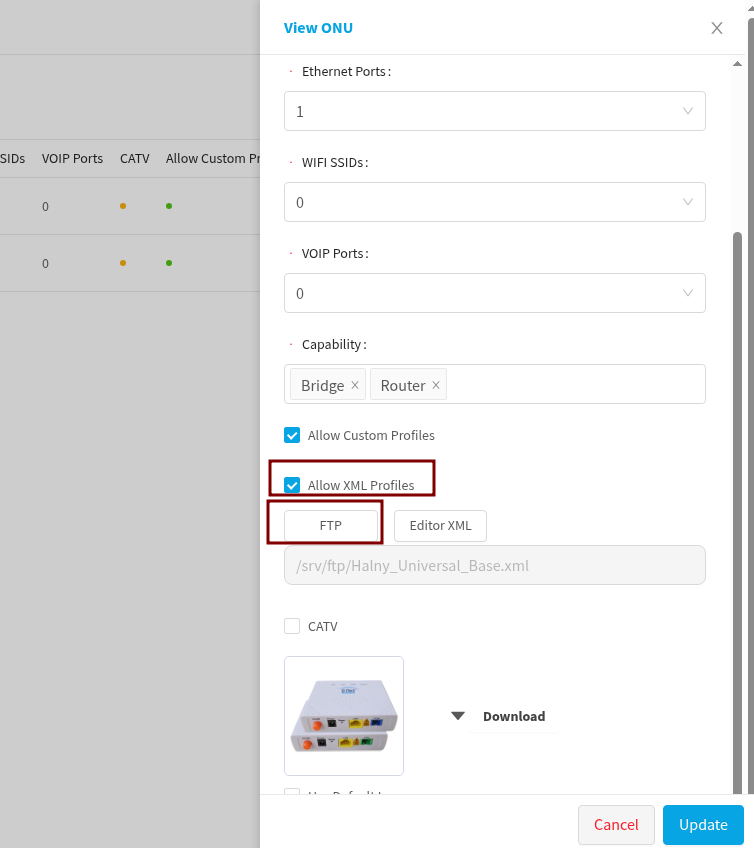
Thus, you can define which XML file will be used and, if necessary, edit it.
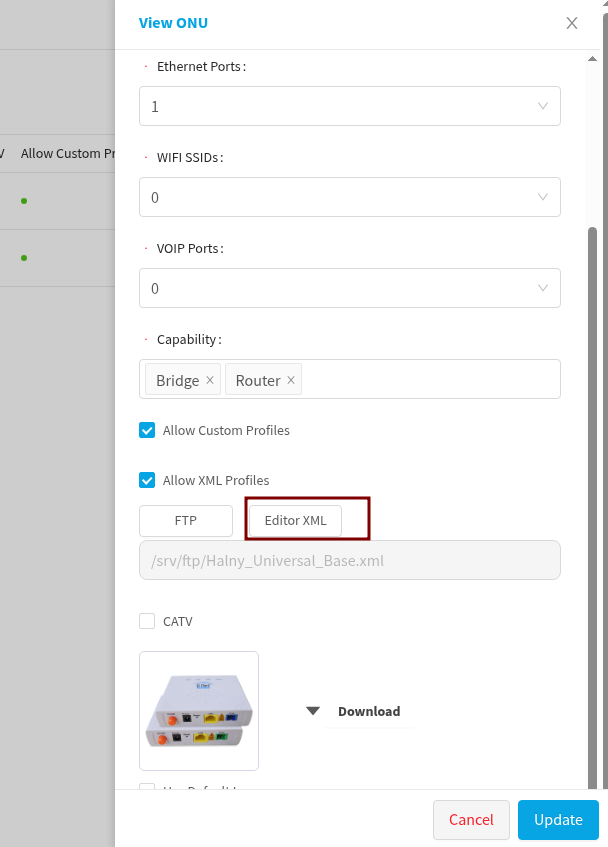
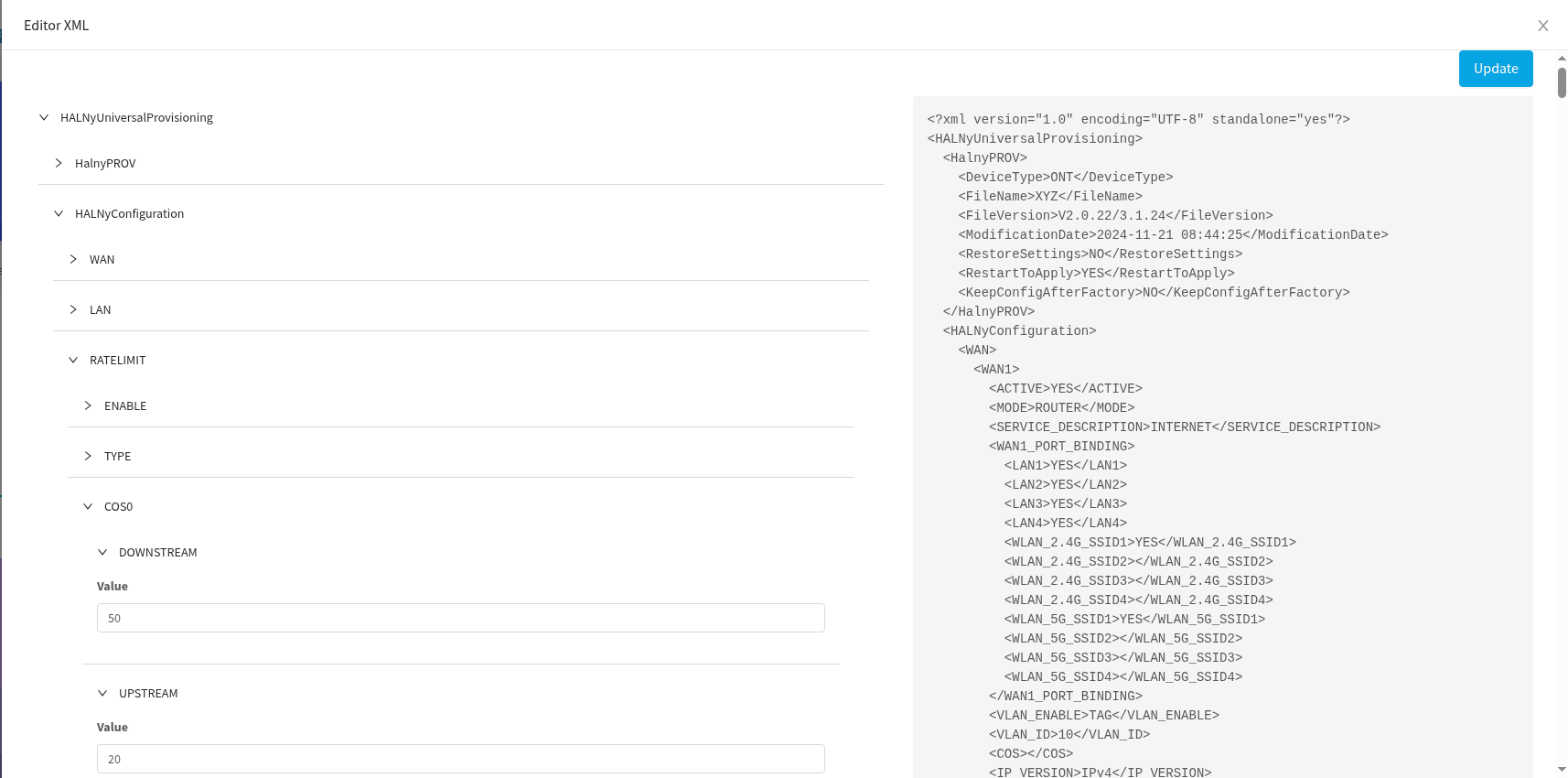
To edit the XML file, click the corresponding button. On this screen, it is possible to configure parameters such as Band Control, among others.
¶ Provisioning with XML
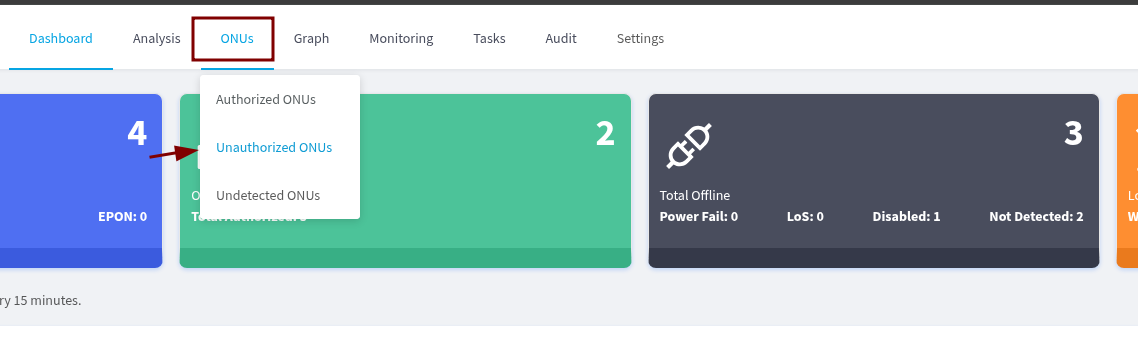
To provision a ONU using XML, go to Non-Provisioned ONUs > Authorize.
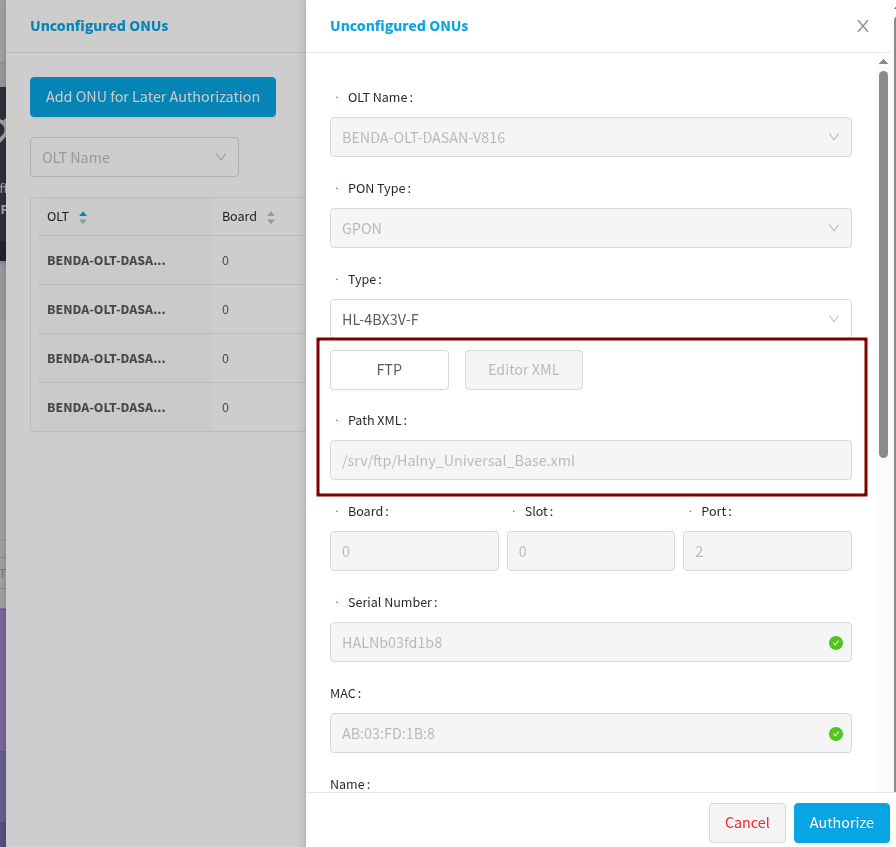
In this step, you can view the previously selected XML file or replace it with another one, if necessary.
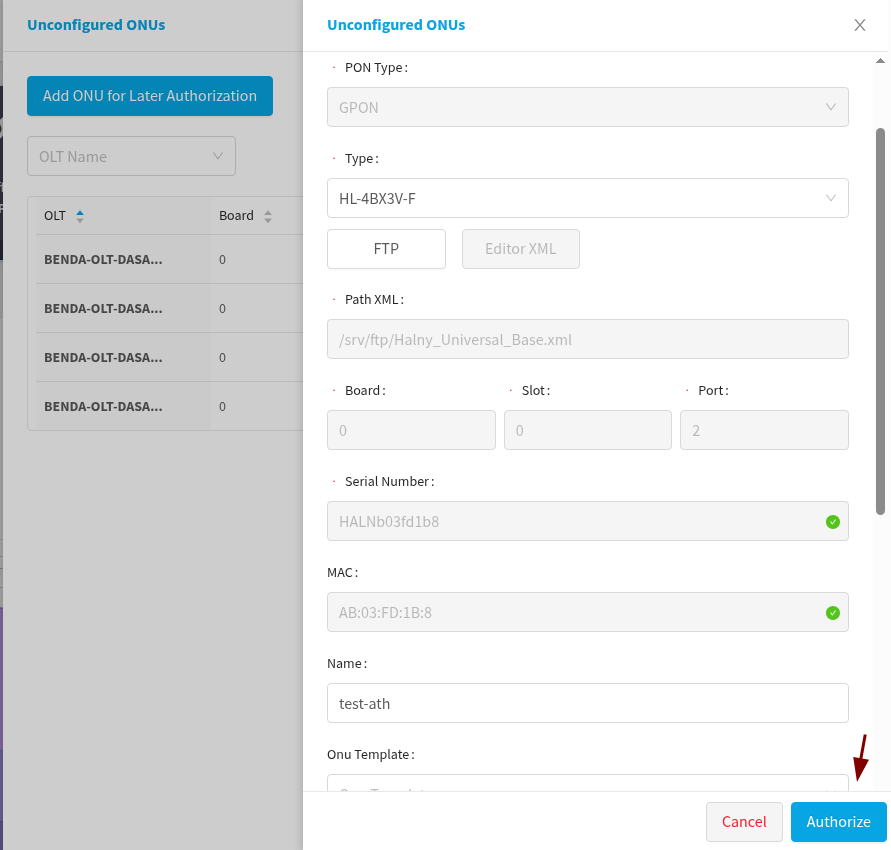
To complete, simply click on the Authorize button and then the provisioning will begin.
¶ Note
XML provisioning is currently available only for OLTs of the Dasan brand.